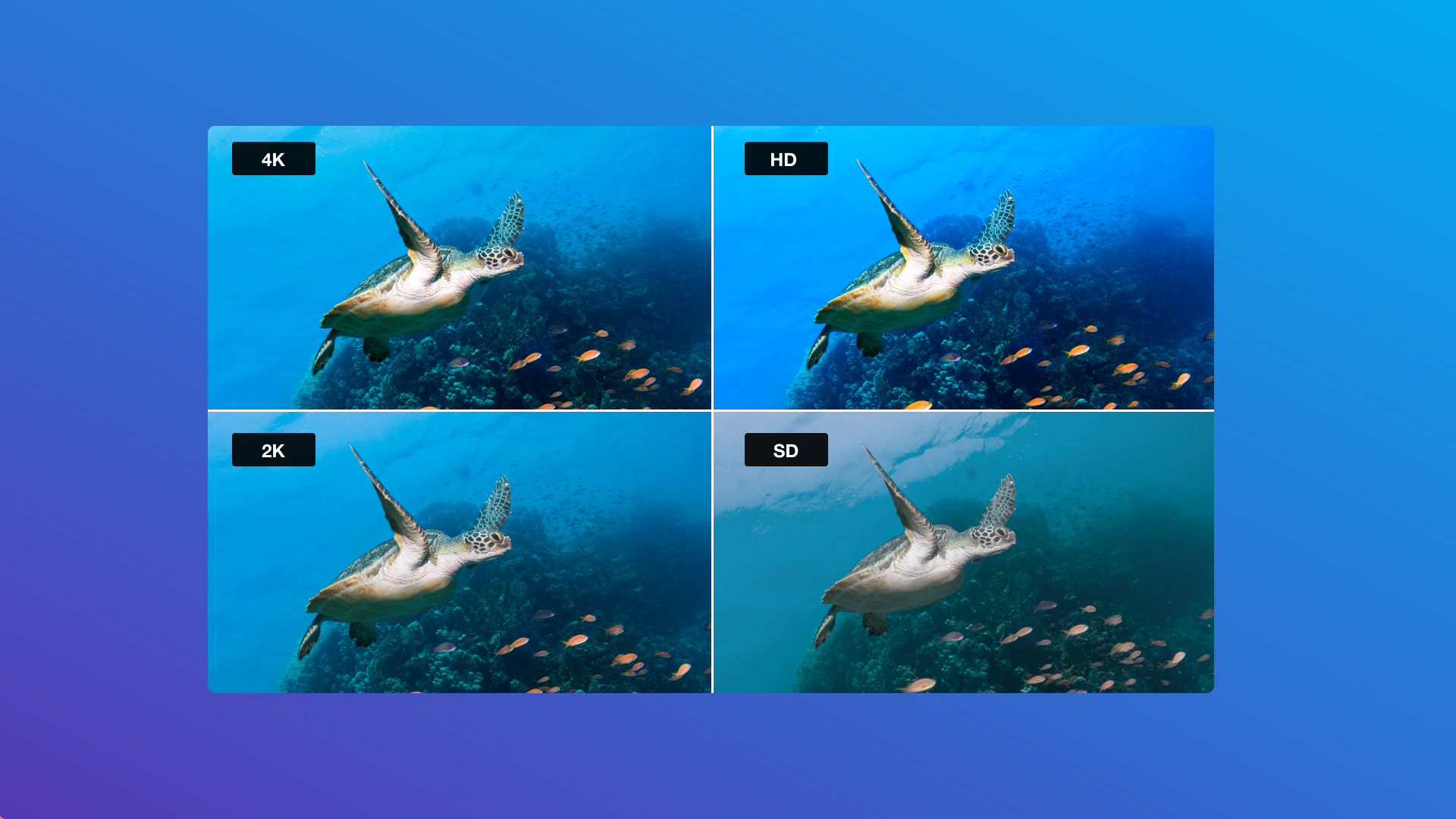
Watching a movie at home can be a great experience when the picture is clear and playback runs smoothly. With different video quality options available online, viewers often look for a balance between picture quality, file size, and internet speed. This is one reason 720p movies remain a popular search choice among people who enjoy watching films on their phones, laptops, tablets, and televisions.
What Does 720p Mean?
720p is a high-definition video resolution that typically uses 1280 × 720 pixels. The letter “p” stands for progressive scan, which means each video frame is displayed as a complete image. This format can deliver a clear viewing experience without requiring as much bandwidth or storage as higher-resolution video formats.
Although 1080p and 4K offer more pixels, 720p can still be a practical option for everyday viewing, especially on smaller screens or when an internet connection is limited.
Why Do Viewers Choose 720p Video Quality?
There are several reasons why viewers consider 720p when selecting a movie or other video content.
1. A balance between clarity and file size
Video files at 720p can be smaller than comparable 1080p files, depending on the bitrate, codec, and encoding settings. This can make them easier to store on devices with limited space.
2. Suitable for different devices
Many smartphones, tablets, laptops, and HD televisions can play 720p content. The viewing experience depends on the screen resolution, display size, and quality of the original video.
3. More manageable bandwidth requirements
Streaming at 720p may require less bandwidth than streaming the same content at 1080p or 4K. This can help viewers with moderate internet speeds enjoy more consistent playback, although the actual experience depends on network conditions and video encoding.
4. Convenient for everyday entertainment
For casual viewing, older films, television episodes, and online videos, 720p can provide a useful combination of visual quality and efficiency.
720p vs. 1080p: Which Should You Choose?
The right resolution depends on your device, internet connection, and personal preferences.
720p typically uses 1280 × 720 pixels, while 1080p uses 1920 × 1080 pixels. The higher pixel count of 1080p can provide greater detail, particularly on larger displays. However, the final picture quality also depends on the original source, bitrate, compression, and encoding process.
If you watch videos on a smartphone or have limited bandwidth, 720p may be sufficient. If you use a large television or monitor and have a stable, fast connection, 1080p or a higher resolution may provide a more detailed image.
How to Find a Reliable Movie-Watching Platform
When searching for movies online, it is important to choose platforms that offer a safe and convenient viewing experience. Consider the following factors before using a website:
- Content quality: Check whether the platform clearly identifies available video resolutions.
- Legitimate access: Prefer authorized streaming services or websites that have permission to distribute their content.
- Security: Look for secure connections and avoid suspicious pop-ups, unknown downloads, and requests to install unfamiliar software.
- Device compatibility: Make sure the service works properly on your preferred device.
- Viewing options: Check whether subtitles, playback controls, and different quality settings are available.
Taking these precautions can help you find entertainment more confidently while avoiding unreliable websites.
Tips for a Better HD Viewing Experience
A few simple steps can improve your movie-watching experience. Use a stable internet connection, close applications that consume unnecessary bandwidth, and select a resolution that suits your network speed. If a video repeatedly buffers, reducing the playback resolution may help.
It is also worth remembering that a resolution label does not guarantee excellent picture quality. A well-encoded 720p video can look better than a poorly compressed file advertised at a higher resolution.
Final Thoughts
720p remains a useful video format for viewers who want reasonable picture clarity, manageable bandwidth requirements, and compatibility with a wide range of devices. Although higher resolutions can deliver more detail, the best option depends on your screen, connection, and viewing habits.
By understanding video resolutions and choosing trustworthy sources, viewers can make more informed decisions and enjoy a smoother, more convenient entertainment experience.